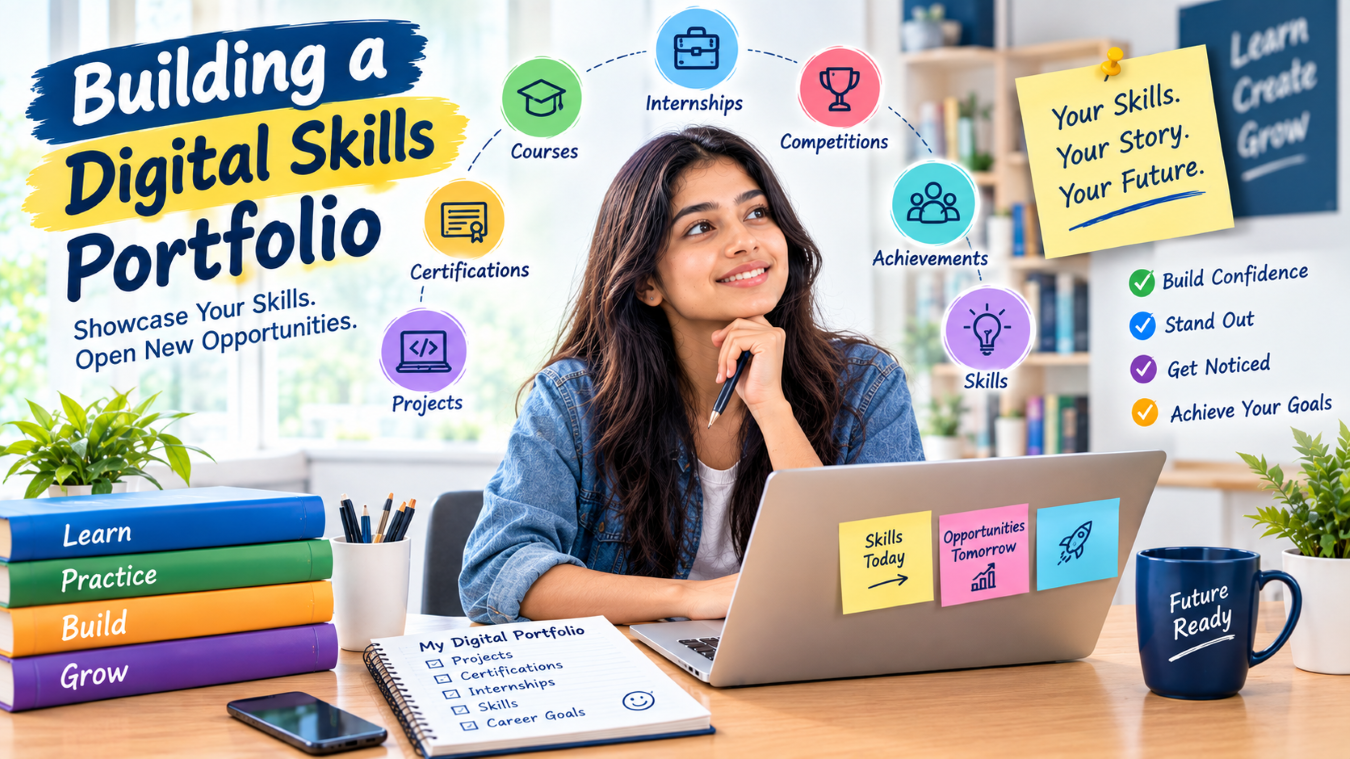
A traditional resume provides a quick overview of a student’s education, skills, and experiences, but it cannot always show everything a student is capable of doing. A digital skills portfolio can provide a more detailed picture by bringing together projects, certifications, presentations, achievements, practical work, and other evidence of learning in one accessible place.
For students who are still building professional experience, a digital portfolio can be particularly useful. It allows them to demonstrate practical abilities instead of relying only on academic qualifications or a list of skills. A well-organized portfolio can show how a student learns, solves problems, creates projects, collaborates with others, and applies knowledge to real situations.
At cvDragon, we believe students should start documenting their skills and achievements early. A digital skills portfolio does not need to be complicated or highly technical. It can begin with a few meaningful projects and gradually grow as students gain more experience.
What Is a Digital Skills Portfolio?
A digital skills portfolio is an online collection of evidence that demonstrates a person’s knowledge, abilities, projects, achievements, and professional development.
Depending on the student’s career goals, it can contain:
- Academic projects.
- Personal projects.
- Internship work.
- Certifications.
- Competition achievements.
- Research work.
- Presentations.
- Design samples.
- Writing samples.
- Technical projects.
- Volunteer experiences.
- Skills assessments.
The portfolio should not simply contain everything a student has ever completed. Instead, it should highlight relevant and meaningful evidence that helps visitors understand the student’s capabilities.
Why Students Need a Digital Skills Portfolio
Students often face the challenge of having limited professional experience. A portfolio can help bridge this gap by providing evidence of what they have done outside traditional employment.
For example, a student applying for a software development internship may not have full-time work experience, but they might have built several applications. A design student might have created branding projects, while a marketing student might have developed sample campaigns.
A portfolio allows these experiences to become visible.
It can help students:
- Demonstrate practical skills.
- Support resume claims.
- Prepare for interviews.
- Build professional confidence.
- Document career progress.
- Showcase creativity.
- Highlight projects.
- Organize achievements.
- Develop a professional identity.
Start With a Clear Career Direction
Before building a portfolio, students should consider what they want the portfolio to communicate.
A portfolio for a software developer will look different from one created by a graphic designer or business student.
For example:
Software student: Applications, coding projects, GitHub repositories, technical documentation.
Marketing student: Campaign concepts, content samples, market research, analytics projects.
Design student: UI designs, illustrations, branding projects, prototypes.
Business student: Case studies, presentations, research, business plans, data analysis.
A clear direction helps students decide what to include and what to leave out.
Choose the Right Platform
Students have several options for creating a digital portfolio. The platform should match their technical ability, career goals, and comfort level.
Some students may prefer a simple portfolio website. Others may use professional networking platforms, code repositories, design platforms, document-based portfolios, or other digital tools.
The technology itself is not the most important part.
A simple, well-organized portfolio can be more useful than a complicated website that is difficult to navigate.
Create a Strong Introduction
The first section of the portfolio should quickly explain who the student is and what they are interested in.
A short introduction can include:
- Name.
- Academic background.
- Career interests.
- Key skills.
- Areas of specialization.
- Professional goals.
For example:
“I am a business student interested in digital marketing and data-driven decision-making. I enjoy working on market research, content strategy, and analytics projects and am currently developing my skills through academic projects and practical learning.”
The introduction should be clear and authentic rather than filled with generic statements.
Showcase Projects
Projects should be one of the most important parts of a digital skills portfolio.
Students should choose projects that demonstrate meaningful skills and explain what they contributed.
For each project, they can include:
Project Title
Objective: What problem were you trying to solve?
Role: What did you personally do?
Skills Used: Which skills or tools were involved?
Process: How did you approach the project?
Outcome: What did you create or achieve?
Learning: What did you learn from the experience?
This structure makes a project much more informative than simply uploading a final file.
Focus on Quality Over Quantity
Students do not need dozens of projects to create an effective portfolio.
A portfolio containing four or five strong projects can provide more useful information than one containing twenty unfinished or unrelated projects.
Students should prioritize projects that:
- Demonstrate relevant skills.
- Show practical application.
- Have clear outcomes.
- Reflect their interests.
- Can be explained confidently.
As students gain experience, they can replace older projects with stronger and more relevant work.
Include Certifications and Courses
Certifications can support a student’s skills portfolio by showing structured learning experiences.
Students can include:
- Certification name.
- Issuing organization.
- Completion date.
- Relevant skills.
- Assessment or project information, where appropriate.
However, certificates should not dominate the portfolio.
Whenever possible, students should connect a certification to practical evidence.
For example:
Certification: Data Analytics
Supporting Project: Customer sales dashboard using a public dataset.
This connection demonstrates that the student applied what they learned.
Add Internship Experiences
Internships can provide valuable evidence of workplace exposure.
Students can describe:
- Organization or industry.
- Internship role.
- Responsibilities.
- Projects contributed to.
- Tools used.
- Skills developed.
- Key learning outcomes.
Students should respect confidentiality and should not upload proprietary documents, customer information, internal reports, or other restricted material.
If work cannot be publicly displayed, students can describe the experience without revealing sensitive information.
Include Competitions and Challenges
Competitions can demonstrate how students apply skills under pressure.
A portfolio can include experiences from:
- Case competitions.
- Hackathons.
- Coding challenges.
- Business competitions.
- Research competitions.
- Design contests.
- Entrepreneurship challenges.
Students should explain their role and contribution.
For example:
“Worked with a four-member team to analyze a market expansion case, conducted competitor research, developed strategic recommendations, and presented the final solution.”
This provides evidence of research, teamwork, problem-solving, and presentation skills.
Document Learning Through Case Studies
Case studies can make a digital portfolio more engaging.
Students can take a project or challenge and explain it in a structured format:
Problem → Research → Approach → Solution → Result → Learning
This format is particularly useful for students interested in business, marketing, consulting, analytics, design, or technology.
A case study shows the thinking behind the final result, not just the final output.
Add Evidence of Soft Skills
Soft skills can be difficult to demonstrate through a simple list.
Instead of writing:
“Excellent leadership skills.”
students can provide evidence.
For example:
“Coordinated a student event involving multiple teams and managed task assignments and timelines.”
Similarly, communication can be demonstrated through presentations, teamwork through group projects, and problem-solving through competitions or practical projects.
Evidence makes soft skills more credible.
Include Feedback and Improvements
A portfolio can also show how a student responds to feedback.
For example, a student could describe how they received feedback on a project, changed their approach, and improved the final result.
This demonstrates a valuable professional habit: continuous improvement.
Students can include short reflections such as:
“The initial version of the dashboard contained too many visual elements. Based on feedback, I simplified the layout and focused on the most relevant metrics.”
Such reflections can make a portfolio feel more authentic and demonstrate learning.
Keep Your Portfolio Organized
Good organization makes a portfolio easier to navigate.
Students can create clear sections such as:
About Me
Skills
Projects
Internships
Certifications
Achievements
Education
Contact
Not every student needs every section. The structure should depend on their experiences and career goals.
Visitors should be able to find important information quickly.
Make the Portfolio Visually Clear
A digital portfolio does not need to be overly decorative.
Students should prioritize:
- Readable fonts.
- Clear headings.
- Consistent formatting.
- Good-quality visuals.
- Logical navigation.
- Mobile-friendly design.
- Fast loading.
- Working links.
Design should support the content rather than distract from it.
Keep Information Updated
A portfolio should evolve as the student develops.
Students can update it when they:
- Complete a new project.
- Earn a certification.
- Finish an internship.
- Participate in a competition.
- Develop a new skill.
- Receive an achievement.
- Improve an existing project.
Students can also review their portfolio every few months and remove outdated or less relevant work.
Connect Your Portfolio With Your Resume
A digital portfolio and resume should support each other.
The resume provides a concise overview, while the portfolio can provide additional evidence.
For example, a resume might say:
“Developed a customer analytics dashboard using Excel and data visualization techniques.”
The portfolio can then contain the project description, methodology, screenshots, and learning outcomes.
At cvDragon, we encourage students to maintain consistency between their resumes and digital portfolios. Information should be accurate, current, and aligned across both.
Make Your Portfolio Easy to Share
Students should make it simple for others to access their portfolio.
They can include the portfolio link in relevant professional profiles, resumes, applications, or email signatures.
Before sharing it, students should test:
- Every link.
- Every project page.
- Downloadable files.
- Contact information.
- Mobile display.
- Spelling and grammar.
A broken link can make it difficult for someone to review the student’s work.
Protect Your Digital Privacy
Students should be careful about what personal information they publish online.
They should avoid publicly displaying sensitive information such as:
- Personal identification numbers.
- Private contact details.
- Passwords.
- Confidential academic records.
- Private company information.
- Sensitive client data.
A professional portfolio should provide enough information to demonstrate skills without exposing unnecessary personal information.
Use Analytics Carefully
If the portfolio platform provides analytics, students can use them to understand which pages receive attention.
For example, they may discover that visitors frequently view their project pages but rarely open their certifications.
This information can help them improve the structure and content.
Analytics should be used as a learning tool rather than as a measure of personal worth.
Turn the Portfolio Into a Learning Habit
The strongest digital skills portfolios are built gradually.
Students can create a simple habit:
Learn something → Apply it → Document it → Reflect on it → Add the best evidence
For example, after completing a new course, a student could build a small project and document what they learned.
Over several semesters, these small additions can create a substantial record of development.
Common Mistakes to Avoid
Students should avoid several common portfolio mistakes:
- Including too many unrelated projects.
- Uploading unfinished work without explanation.
- Using generic descriptions.
- Claiming skills without evidence.
- Ignoring spelling and grammar.
- Using excessive design elements.
- Including confidential information.
- Leaving outdated information online.
- Creating a portfolio and never updating it.
The goal should be clarity and evidence, not complexity.
Conclusion
Building a digital skills portfolio can help students move beyond simply listing qualifications and demonstrate what they can actually do. Projects, certifications, internships, competitions, research, presentations, and other experiences can provide valuable evidence of skill development.
At cvDragon, we believe students should begin documenting their learning journey early. A portfolio does not have to be perfect when it starts. It can grow as students gain new experiences, develop new skills, complete projects, and discover their career interests.
The most effective digital skills portfolio is not simply a collection of certificates or impressive-looking designs. It tells a clear story about a student’s development: what they learned, how they applied it, what they achieved, and what they are working toward next.
Students can think of their portfolio as a living record of their career journey. By consistently learning, practicing, documenting, and improving, they can create a professional resource that supports their resume, strengthens interview conversations, and gives employers a clearer understanding of their capabilities.
In a world where practical skills and demonstrated abilities increasingly matter, building a digital skills portfolio can help students make their learning visible and take greater ownership of their professional development.
Leave a Reply