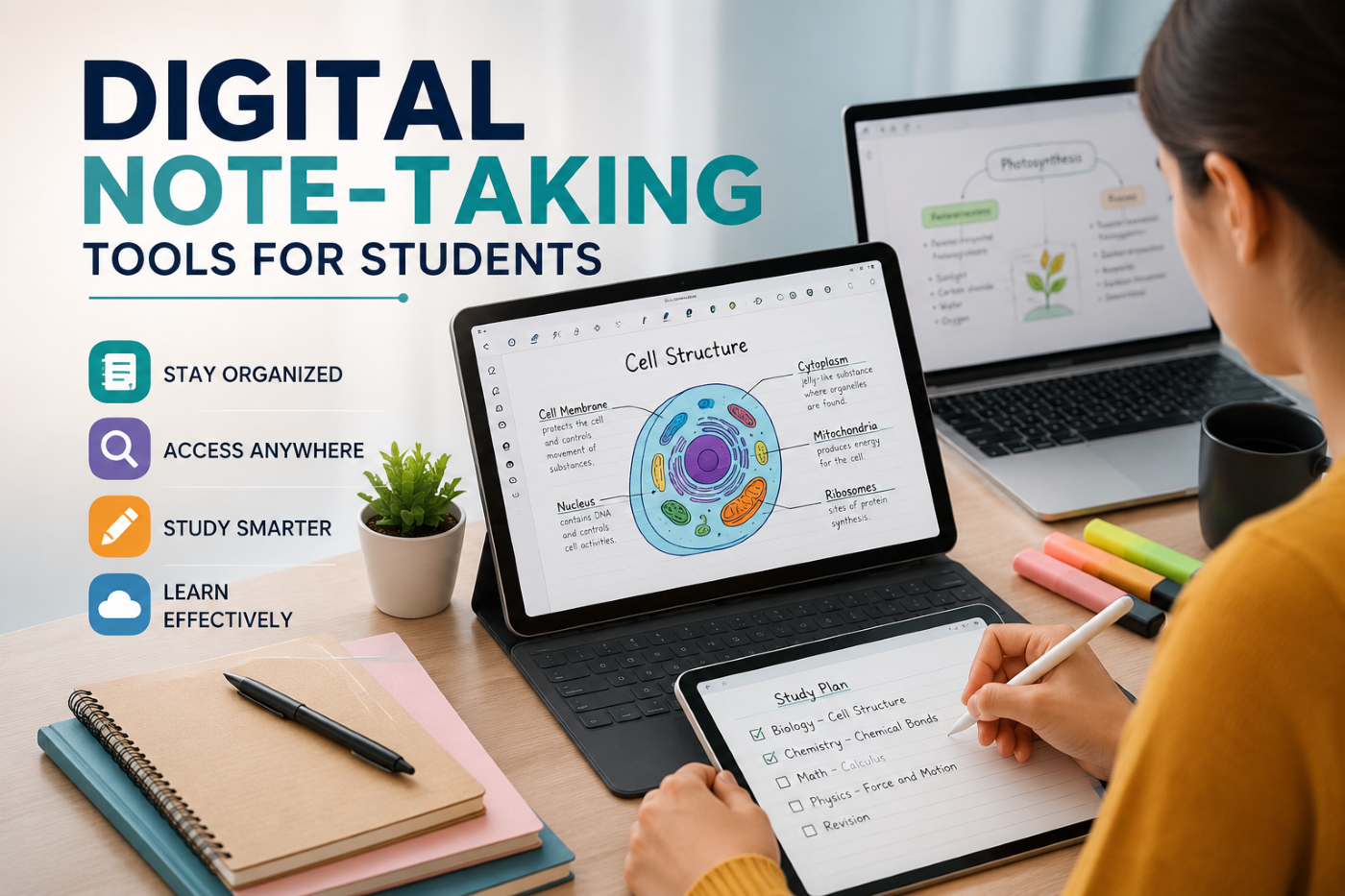
Taking notes has always been an essential part of student life. Whether you’re attending a college lecture, preparing for an examination, researching a topic, or learning a new professional skill, effective notes can help you remember information and organize your thoughts. However, the way students take notes is changing. With laptops, tablets, smartphones, and cloud-based applications becoming part of everyday education, digital note-taking has emerged as a practical alternative to traditional pen-and-paper methods.
Digital note-taking tools allow students to create, organize, edit, search, and access their notes from almost anywhere. Instead of carrying multiple notebooks, students can maintain an organized digital knowledge library that grows with them throughout their academic and professional journey.
At CVDragon, we believe that effective learning is not only about acquiring knowledge but also about managing it effectively. Digital note-taking can help students become more organized, improve their study habits, and create a personal system for managing information. However, the best results come from choosing the right tool and using it with a consistent note-taking strategy.
What Is Digital Note-Taking?
Digital note-taking involves recording and organizing information using electronic devices and software instead of traditional notebooks.
Students can use:
- Laptops.
- Tablets.
- Smartphones.
- Digital pens and styluses.
- Cloud-based note applications.
- Document management platforms.
Depending on the tool, students may create typed notes, handwritten notes, diagrams, voice recordings, checklists, screenshots, or links to external resources.
Digital notes can be updated whenever needed and often synchronized across multiple devices.
Why Digital Note-Taking Is Becoming Popular
Students today manage large amounts of information. Between lectures, assignments, online courses, research papers, internships, and professional learning, keeping everything organized can be challenging.
Digital note-taking can make information management easier by allowing students to:
- Search notes quickly.
- Organize information by subject.
- Edit notes without rewriting entire pages.
- Add images and links.
- Synchronize information across devices.
- Access notes remotely.
- Create backups.
- Connect related information.
These features make digital notes particularly useful for students managing multiple subjects and learning activities.
Choose the Right Digital Note-Taking Tool
There is no single note-taking application that works perfectly for every student. The right choice depends on individual learning preferences and academic requirements.
Before selecting a tool, consider:
- Ease of use.
- Device compatibility.
- Cloud synchronization.
- Search functionality.
- Offline access.
- Handwriting support.
- File organization.
- Collaboration features.
- Security and privacy.
A student who prefers typing may need a different tool from someone who learns best through handwritten diagrams.
Popular Types of Digital Note-Taking Tools
Students can choose from several categories of digital note-taking platforms.
Simple Note Applications
These are useful for quick notes, reminders, and short lists. They are ideal for students who want a simple way to capture information without complicated organization systems.
Digital Notebook Platforms
These tools are designed to replicate the structure of physical notebooks while offering digital features. Students can create separate notebooks for different subjects and organize notes into sections.
Knowledge Management Tools
These platforms allow students to build interconnected knowledge systems. They are useful for research, long-term learning, and organizing information across multiple topics.
Handwritten Note Applications
Students who prefer writing by hand can use tablets and styluses to create digital handwritten notes. These tools can be especially useful for mathematics, science, architecture, and design.
Collaborative Documents
Cloud-based documents allow multiple students to work together on notes, projects, and assignments in real time.
Use Digital Notes for Lecture Preparation
Digital note-taking can begin before a lecture starts.
Students can create a page for each class and add:
- Lecture topics.
- Reading materials.
- Questions.
- Previous notes.
- Important assignments.
During the lecture, they can add new information to the same document.
This creates a continuous record of the learning process and makes revision easier.
Organize Notes by Subject and Topic
One of the biggest advantages of digital notes is organization.
Instead of keeping dozens of notebooks, students can create a clear structure.
For example:
University
→ Computer Science
→ Programming
→ Data Structures
→ Algorithms
Business
→ Marketing
→ Consumer Behavior
→ Digital Marketing
This structure makes it easier to find information later.
Students should avoid creating an overly complicated system. The best organization method is one they can maintain consistently.
Use Search Features to Find Information Quickly
Digital search functionality is one of the most valuable advantages of electronic notes.
Instead of manually searching through pages of handwritten notes, students can search for a keyword and quickly locate relevant information.
For example, if a student wants to find notes about “supply chain management,” they can search the term instead of reviewing every page of a notebook.
This saves time, especially during exam preparation.
Combine Text with Visual Learning
Digital notes don’t have to be limited to paragraphs.
Students can include:
- Diagrams.
- Charts.
- Screenshots.
- Images.
- Tables.
- Mind maps.
- Links.
Visual elements can help students understand relationships between ideas and remember complex concepts.
For subjects involving processes or systems, combining written explanations with diagrams can make notes much more effective.
Try Different Note-Taking Methods
Digital tools make it easy to experiment with different note-taking techniques.
The Cornell Method
Divide the page into sections for notes, questions, and summaries. This method encourages active review.
Mind Mapping
Start with a central concept and connect related ideas visually. This works well for brainstorming and understanding relationships.
Outline Method
Organize information using headings, subheadings, and bullet points. This is useful for structured lectures.
Zettelkasten-Style Notes
Create individual notes for specific ideas and connect related concepts. This approach can be useful for students building a long-term personal knowledge system.
Students should experiment with different methods and choose the approach that best suits their learning style.
Use Digital Notes for Exam Preparation
Digital notes can simplify revision by allowing students to create dedicated study materials.
They can:
- Highlight important concepts.
- Create summaries.
- Add practice questions.
- Link related topics.
- Build revision checklists.
- Organize frequently asked questions.
Students can also create a separate “exam revision” section containing only the most important information.
This reduces the need to repeatedly review large amounts of material.
Make Notes More Interactive
One advantage of digital note-taking is the ability to create interactive study materials.
Students can add:
- Links to educational videos.
- References to online articles.
- Practice quizzes.
- Flashcards.
- External resources.
- Audio recordings.
For example, a student studying a programming concept can connect their written notes to a tutorial video and a practice project.
This creates a richer learning environment.
Use Cloud Synchronization Carefully
Cloud synchronization allows students to access their notes from multiple devices. This can be convenient when moving between a laptop, tablet, and smartphone.
However, students should also consider privacy and security.
Good practices include:
- Using strong passwords.
- Enabling two-factor authentication where available.
- Keeping important files backed up.
- Avoiding storing sensitive personal information unnecessarily.
- Reviewing sharing permissions.
Convenience should always be balanced with responsible digital security.
Collaborate with Classmates
Digital note-taking tools can make group learning easier.
Students can collaborate by:
- Sharing lecture notes.
- Creating group study guides.
- Working on project documents.
- Collecting research resources.
- Reviewing each other’s work.
Collaborative note-taking can also improve teamwork and communication skills.
However, students should ensure that shared notes are accurate and respect academic integrity policies.
Don’t Let Technology Become a Distraction
Digital note-taking has many advantages, but it can also create distractions.
Students may be tempted to:
- Check social media.
- Browse unrelated websites.
- Respond to notifications.
- Switch between multiple applications.
To stay focused, students can:
- Turn off unnecessary notifications.
- Use distraction-free modes.
- Keep only essential applications open.
- Set specific study periods.
- Take regular breaks.
The goal is to use technology as a learning tool rather than allowing it to interrupt the learning process.
Digital Notes vs. Handwritten Notes
The debate between digital and handwritten notes continues among students and educators. Both approaches have advantages.
Digital notes are often better for:
- Fast typing.
- Searching information.
- Organization.
- Editing.
- Cloud access.
- Collaboration.
Handwritten notes may be preferred for:
- Visual learners.
- Diagrams.
- Mathematical equations.
- Personal memory preferences.
- Creative brainstorming.
Students do not have to choose only one method. A hybrid approach can work well.
For example, students may use a tablet for handwritten mathematics notes and a laptop for organizing research and assignments.
Build a Personal Knowledge System
Over time, digital notes can become more than a collection of class materials. They can develop into a personal knowledge system.
Students can organize information related to:
- Academic subjects.
- Career interests.
- Professional skills.
- Books.
- Courses.
- Projects.
- Research.
- Personal development.
This creates a long-term resource that students can continue using after graduation.
A well-maintained knowledge system can also support professional growth throughout a person’s career.
Turn Notes into Action
Taking notes is only the first step. Students should regularly review and apply what they have learned.
After taking notes, ask:
- What are the key ideas?
- What do I still not understand?
- How can I apply this information?
- Can I explain this concept to someone else?
- What should I learn next?
This approach transforms note-taking from passive information storage into active learning.
How Digital Note-Taking Supports Career Development
Digital notes can also support students beyond academics.
Students can maintain separate sections for:
- Career goals.
- Skills to develop.
- Internship opportunities.
- Interview preparation.
- Resume ideas.
- Professional contacts.
- Industry research.
This can help students organize their career development alongside their academic responsibilities.
When students learn a new skill or complete a project, they can record the experience and later use the information when updating their resume or portfolio.
Conclusion
Digital note-taking tools can help students manage information more efficiently, organize their studies, and create personalized learning systems. From simple note applications to advanced knowledge management platforms, students have access to a wide range of technologies that can support academic success and long-term skill development.
At CVDragon, we believe that the most effective note-taking system is the one that students can use consistently. The latest application or most advanced feature is not necessarily the best choice if it makes learning complicated. Students should focus on choosing tools that match their learning style, organizing information clearly, and reviewing their notes regularly.
The real value of digital note-taking comes from what students do with the information they collect. When notes are reviewed, connected, practiced, and applied, they become a powerful part of the learning process.
By combining effective note-taking techniques with digital tools, students can create a personal knowledge system that supports them throughout college and beyond. The notes created today can become valuable resources for future exams, projects, internships, job interviews, and professional development—turning everyday learning into a long-term investment in career success.
Leave a Reply