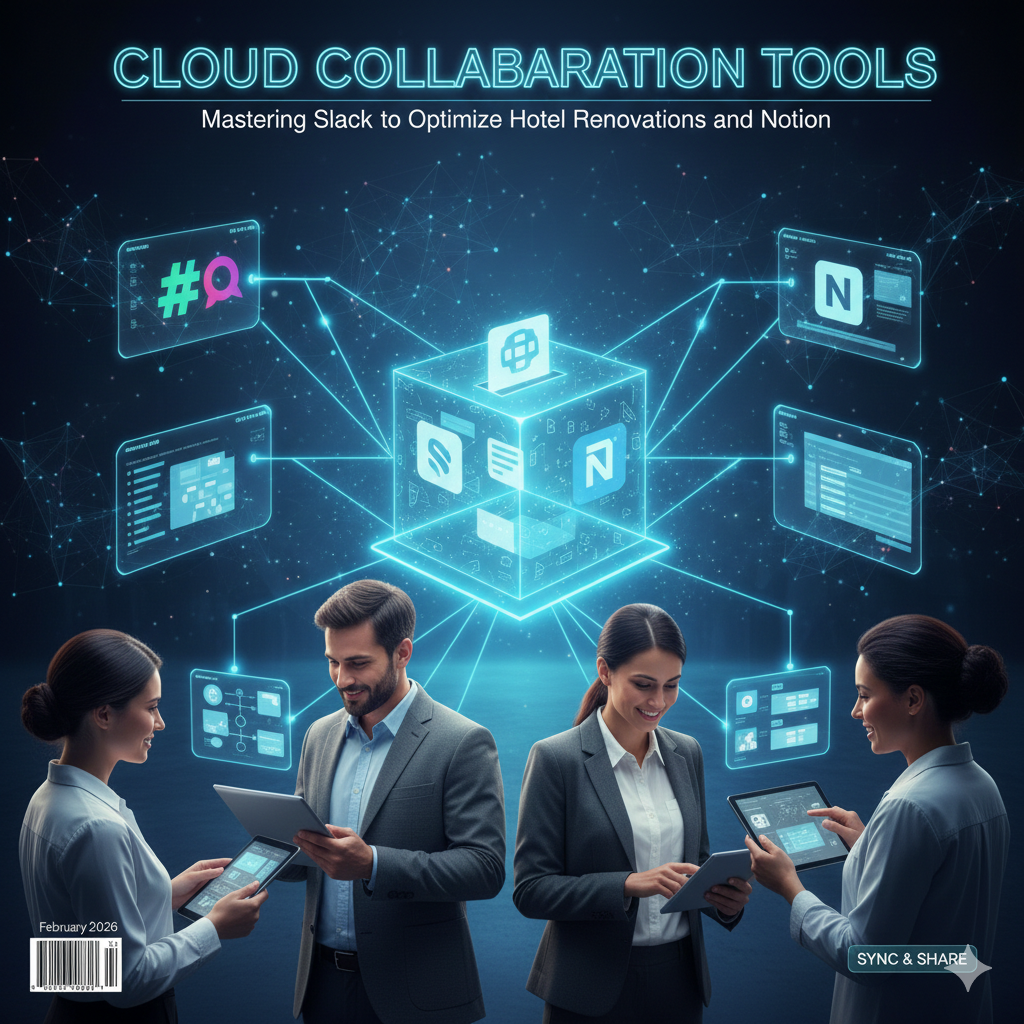
Work no longer happens in one place, at one desk, or even at one time. Today’s students, professionals, and teams collaborate across time zones, devices, and disciplines. In this digital-first environment, cloud collaboration tools have become essential—not optional.
At cvDragon, we work closely with students and early-career professionals preparing for modern workplaces. One skill consistently separates job-ready candidates from the rest: the ability to collaborate effectively using cloud-based tools. Platforms like Slack, Trello, and Notion are no longer just productivity apps—they are the backbone of teamwork in education, startups, and global organizations.
This article explores how these tools work, why they matter, and how mastering them can significantly boost productivity, communication, and career readiness.
What Are Cloud Collaboration Tools?
Cloud collaboration tools are digital platforms that allow individuals and teams to:
-
Communicate in real time
-
Share files and ideas
-
Manage tasks and workflows
-
Collaborate from anywhere
Because they operate on the cloud, users can access them anytime, from any device, without losing information.
Examples include messaging apps, project management boards, and knowledge management systems—exactly where Slack, Trello, and Notion shine.
Why Cloud Collaboration Skills Matter
Modern workplaces value collaboration as much as technical expertise. Employers expect candidates who can:
-
Communicate clearly in digital environments
-
Coordinate tasks across teams
-
Stay organized without constant supervision
-
Adapt to remote or hybrid work models
At cvDragon, we emphasize cloud collaboration tools as core digital literacy skills—especially for students entering the workforce.
Slack: Smart Communication Without Chaos
What Is Slack?
Slack is a cloud-based communication platform designed for teams. Unlike traditional email, Slack organizes conversations into channels, making communication faster and more transparent.
Key Features of Slack
-
Channels: Topic-based conversations (projects, teams, updates)
-
Direct Messages: One-on-one or small group chats
-
File Sharing: Share documents, images, and links instantly
-
Integrations: Connect with Google Drive, Trello, Notion, and more
Why Slack Is Effective
Slack reduces email overload and keeps discussions organized. Team members can:
-
Find past conversations easily
-
Collaborate in real time
-
Stay aligned without endless meetings
For students, Slack is ideal for group projects, clubs, and study communities.
Best Practices for Using Slack
-
Use clear channel names
-
Keep messages concise
-
Avoid unnecessary notifications
-
Use threads to keep discussions organized
Mastering Slack demonstrates strong digital communication and teamwork skills—highly valued by employers.
Trello: Visual Task and Project Management
What Is Trello?
Trello is a cloud-based project management tool that uses boards, lists, and cards to organize tasks visually. It’s simple, flexible, and easy to learn.
How Trello Works
-
Boards represent projects
-
Lists represent stages (To Do, In Progress, Done)
-
Cards represent individual tasks
This visual layout makes it easy to track progress at a glance.
Why Teams Love Trello
Trello helps teams:
-
Assign responsibilities clearly
-
Track deadlines
-
Avoid confusion and duplication
-
Improve accountability
For students, Trello is perfect for managing assignments, group projects, and event planning.
Using Trello Effectively
-
Break tasks into small, actionable cards
-
Assign deadlines and owners
-
Use labels for priority tracking
-
Review boards regularly
Trello builds strong project management and organizational skills, even for beginners.
Notion: The All-in-One Workspace
What Is Notion?
Notion is a powerful cloud collaboration tool that combines:
-
Notes
-
Databases
-
Task management
-
Documentation
It acts as a digital workspace where teams and individuals can organize almost anything.
Why Notion Stands Out
Unlike single-purpose tools, Notion is highly customizable. It can be used for:
-
Study notes
-
Project documentation
-
Knowledge bases
-
Team dashboards
This flexibility makes it popular among students, startups, and professionals.
Key Features of Notion
-
Pages and Subpages
-
Databases with filters and views
-
Collaborative editing
-
Templates for productivity and planning
Best Ways Students Use Notion
-
Creating subject-wise notes
-
Tracking goals and habits
-
Managing internships or freelance work
-
Building personal knowledge systems
Mastering Notion showcases advanced digital organization and self-management skills.
How Slack, Trello, and Notion Work Together
These tools are most powerful when used together:
-
Slack handles communication
-
Trello manages tasks and workflows
-
Notion stores information and documentation
Together, they create a seamless collaboration ecosystem where:
-
Conversations stay organized
-
Work stays visible
-
Knowledge stays accessible
At cvDragon, we often recommend learning how tools integrate—not just how they function individually.
Cloud Collaboration and Remote Work Readiness
Remote and hybrid work environments depend heavily on cloud collaboration tools. Professionals who master them:
-
Adapt faster to new roles
-
Communicate across teams effectively
-
Maintain productivity without supervision
These skills are increasingly essential in global job markets.
Common Mistakes to Avoid
-
Using too many tools without clarity
-
Poor organization of channels or boards
-
Ignoring updates and notifications
-
Treating tools casually instead of professionally
Intentional and consistent use makes collaboration tools effective.
How Cloud Collaboration Tools Improve Soft Skills
Beyond productivity, these tools help develop:
-
Communication skills
-
Time management
-
Accountability
-
Team coordination
These transferable skills enhance employability across industries.
Why Employers Value Cloud Collaboration Skills
Employers look for candidates who:
-
Can work in digital teams
-
Understand modern workflows
-
Require minimal onboarding for tools
Mentioning Slack, Trello, or Notion experience on resumes signals job readiness and adaptability.
cvDragon’s Approach to Digital Collaboration Skills
At cvDragon, we encourage students and professionals to:
-
Gain hands-on experience with collaboration tools
-
Highlight digital teamwork skills in resumes
-
Understand workflow management concepts
Cloud collaboration literacy is a key part of modern career preparation.
Conclusion
Cloud collaboration tools have reshaped how we learn, work, and connect. Mastering platforms like Slack, Trello, and Notion is no longer just about productivity—it’s about being effective in modern teams.
At cvDragon, we believe that students and professionals who understand digital collaboration gain a competitive edge. These tools help individuals communicate better, manage work smarter, and collaborate with confidence—skills that matter in every career path.
In a world where teamwork happens online, mastering cloud collaboration tools means mastering the future of work.
Leave a Reply