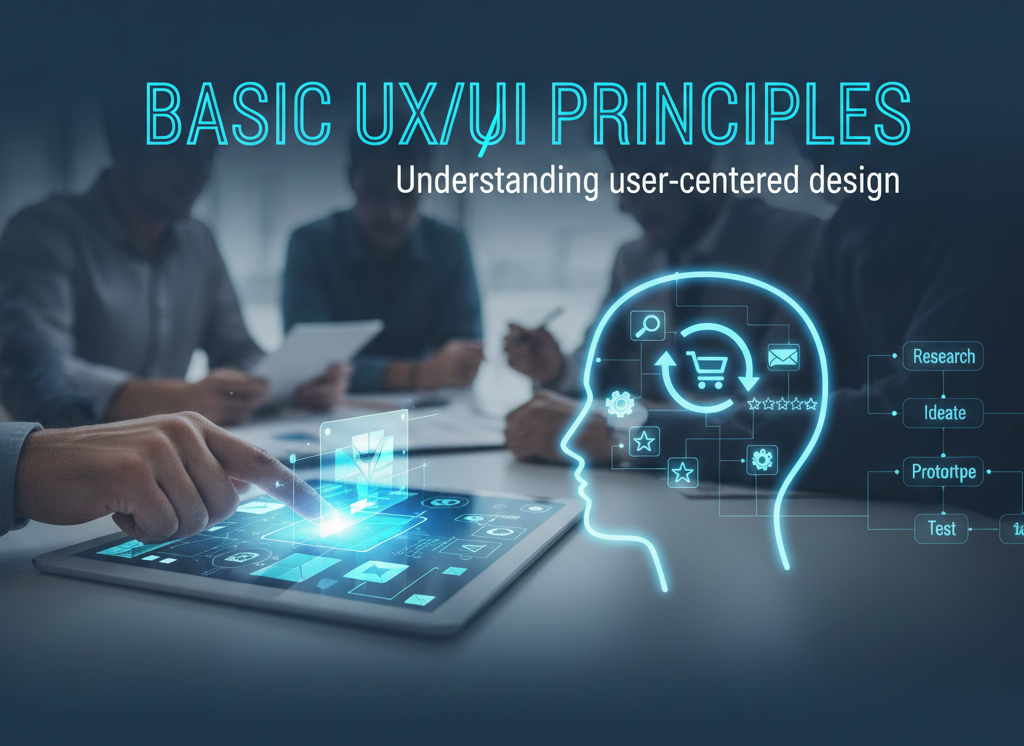
In today’s digital-first world, users interact with websites, apps, and platforms every single day. Whether it’s ordering food, applying for a job, or attending an online class, the quality of these digital experiences depends heavily on UX/UI design. Yet, many students and professionals still confuse design with visuals alone.
At cvDragon, we work with learners and job seekers preparing for modern careers where digital awareness is essential—even for non-design roles. One concept that consistently proves critical across industries is user-centered design. Understanding basic UX/UI principles helps individuals create better products, communicate effectively with design teams, and think from the user’s perspective.
This article introduces the fundamentals of UX/UI design and explains how user-centered thinking shapes meaningful digital experiences.
What Is UX/UI Design?
Although often used together, UX and UI serve different but complementary purposes.
UX (User Experience) Design
UX design focuses on how users feel when interacting with a product. It aims to ensure the experience is:
-
Easy
-
Useful
-
Logical
-
Enjoyable
UX answers questions like:
-
Is the product easy to use?
-
Does it solve the user’s problem?
-
Is the journey smooth and intuitive?
UI (User Interface) Design
UI design focuses on how a product looks and behaves visually. It includes:
-
Layout
-
Colors
-
Typography
-
Buttons and icons
UI answers questions like:
-
Is the design visually clear?
-
Are elements easy to identify?
-
Does the interface guide user actions?
Together, UX and UI create functional, usable, and engaging digital products.
What Is User-Centered Design?
User-centered design (UCD) is an approach that places the user’s needs, behaviors, and goals at the heart of the design process. Instead of designing based on assumptions, designers focus on real users.
User-centered design involves:
-
Understanding user problems
-
Designing solutions around those needs
-
Testing designs with real users
-
Improving based on feedback
At its core, UCD asks one simple question:
“How can we make this easier and better for the user?”
Why User-Centered Design Matters
In competitive digital environments, users have countless alternatives. If a product is confusing or frustrating, users leave.
Benefits of User-Centered Design
-
Higher user satisfaction
-
Reduced errors and frustration
-
Better engagement and retention
-
Improved accessibility
-
Stronger brand trust
From startups to large organizations, companies that prioritize users outperform those that don’t.
Core Principles of User-Centered UX/UI Design
1. Understand the User
Everything starts with understanding who the users are.
This includes:
-
Their goals
-
Their challenges
-
Their behavior patterns
-
Their context of use
Methods include user research, surveys, interviews, and observation. Even basic empathy goes a long way.
2. Simplicity Is Key
Good design is not about adding more—it’s about removing what’s unnecessary.
Simple design:
-
Reduces cognitive load
-
Makes navigation easier
-
Helps users complete tasks faster
If users need instructions to understand your interface, the design likely needs improvement.
3. Consistency Builds Trust
Consistency helps users learn how a product works.
This includes:
-
Consistent colors and fonts
-
Predictable button behavior
-
Uniform navigation patterns
Consistency reduces confusion and increases confidence.
4. Clear Visual Hierarchy
Visual hierarchy guides users’ attention.
Good hierarchy:
-
Highlights important elements
-
Uses size, color, and spacing effectively
-
Helps users scan information quickly
Users should instantly know where to look and what to do next.
5. Feedback and Responsiveness
Users need confirmation that their actions matter.
Examples:
-
Button changes color when clicked
-
Loading indicators appear
-
Error messages explain what went wrong
Feedback reassures users and improves usability.
6. Accessibility and Inclusivity
User-centered design considers all users, including those with disabilities.
Accessible design includes:
-
Readable fonts
-
High color contrast
-
Keyboard navigation
-
Screen reader compatibility
Inclusive design is not optional—it’s responsible design.
7. Error Prevention and Recovery
Mistakes happen. Good UX/UI design:
-
Prevents errors where possible
-
Provides clear error messages
-
Helps users recover easily
Instead of blaming users, design should support them.
UX/UI Design Process in User-Centered Design
1. Research
Understanding user needs and problems.
2. Define
Clarifying goals, user personas, and challenges.
3. Design
Creating wireframes, layouts, and prototypes.
4. Test
Observing how real users interact with the design.
5. Iterate
Improving based on feedback and testing results.
This cycle ensures continuous improvement.
Why UX/UI Principles Matter for Students
Even students who are not designers benefit from UX/UI knowledge.
Benefits for Students
-
Better project presentations
-
Improved digital assignments
-
Stronger portfolio quality
-
Better collaboration with design teams
UX thinking encourages problem-solving and empathy—skills valuable in every career.
UX/UI Principles in the Workplace
Professionals across roles use UX/UI thinking:
-
Product managers define user journeys
-
Marketers improve landing pages
-
Developers build usable systems
-
HR teams design better employee portals
Understanding user-centered design improves decision-making across departments.
At cvDragon, we often help candidates articulate UX awareness as part of their digital and professional skills.
Common UX/UI Mistakes Beginners Make
1. Designing for Yourself
Design should serve users—not personal preferences.
2. Overloading Features
More features do not equal better experience.
3. Ignoring Feedback
User feedback is essential for improvement.
4. Focusing Only on Visuals
Good UI without good UX still fails.
How to Start Learning UX/UI Design
Beginners can:
-
Study basic design principles
-
Analyze apps and websites critically
-
Practice wireframing simple ideas
-
Learn from user feedback
-
Build small design projects
UX/UI is a skill developed through observation, practice, and empathy.
How cvDragon Supports Digital Design Awareness
At cvDragon, we help students and professionals:
-
Understand digital and design expectations
-
Present UX/UI skills on resumes and profiles
-
Align creative skills with career goals
-
Build confidence for modern digital roles
User-centered thinking is not just a design skill—it’s a professional mindset.
Conclusion
UX/UI design is not just about making things look good—it’s about making them work well for real people. By understanding basic UX/UI principles and embracing user-centered design, students and professionals can create more meaningful, effective, and inclusive digital experiences.
At cvDragon, we believe that the future belongs to those who understand users, solve problems thoughtfully, and design with empathy. Whether you aim to be a designer or simply want to succeed in a digital world, mastering user-centered design is a powerful step forward.
Leave a Reply