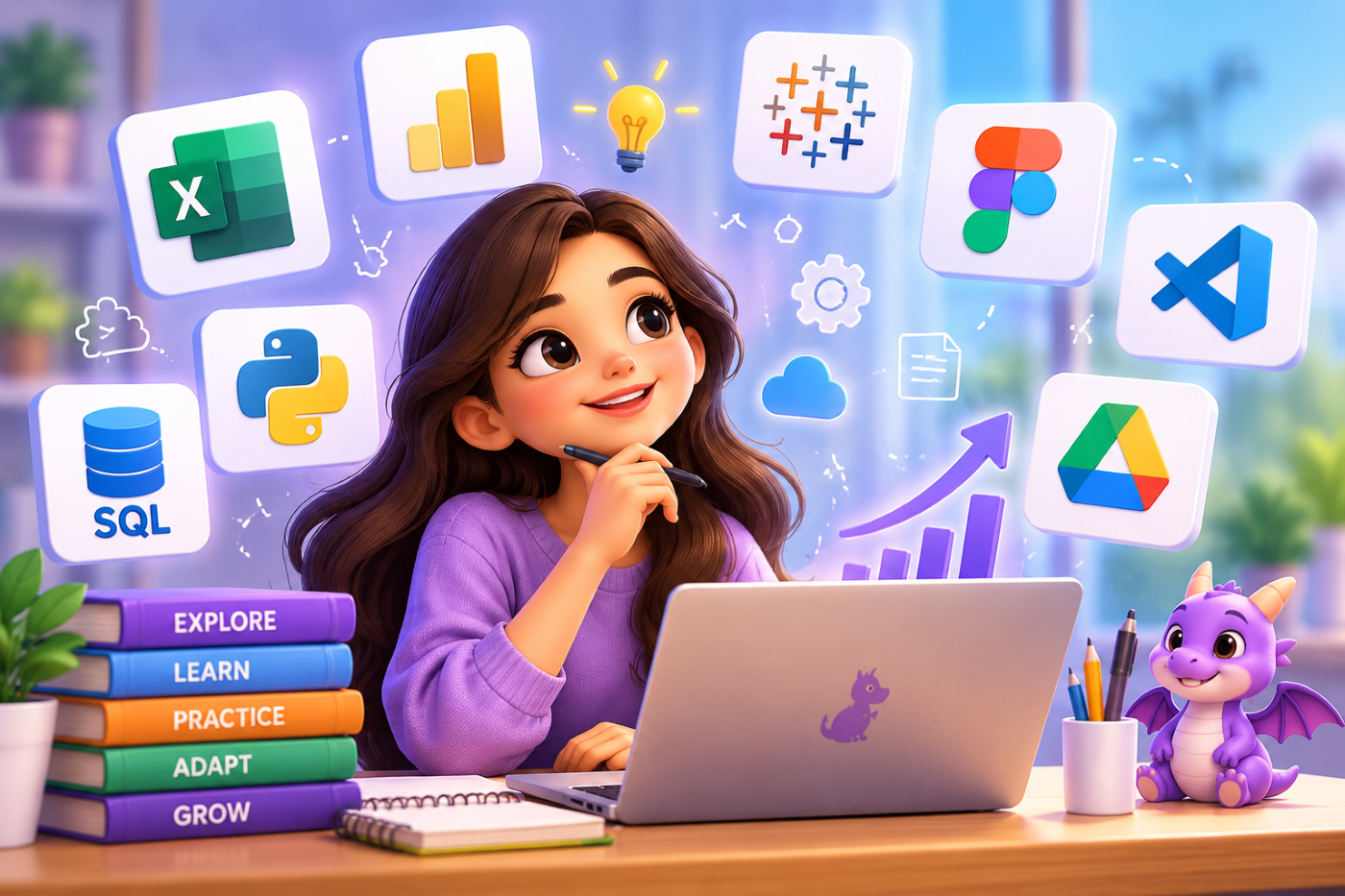
Technology is changing the way students learn, work, communicate, and build careers. New software, digital platforms, productivity applications, design tools, analytical systems, and AI-powered technologies are introduced regularly. As a result, students cannot rely only on the tools they learn in classrooms. They also need to develop the ability to learn new tools quickly and use them effectively.
Being able to learn a new tool is itself an important career skill. Employers may not expect students to know every software platform before joining an organization, but they increasingly value people who can understand unfamiliar systems, adapt to new technologies, and become productive without requiring constant guidance.
At cvDragon, we believe students should focus not only on learning individual tools but also on developing the ability to learn continuously. When students understand how to approach unfamiliar technology, they become more adaptable, confident, and prepared for changing career requirements.
What Does It Mean to Learn a New Tool Quickly?
Learning a new tool quickly does not mean memorizing every feature within a few hours. It means becoming comfortable enough with the tool to use its most important functions for a specific purpose.
For example, a student may not need to master every feature of a spreadsheet application. If their goal is data analysis, they may initially need to understand formulas, sorting, filtering, charts, pivot tables, and basic data organization.
Similarly, someone learning a graphic design platform does not need to understand every advanced feature immediately. They can first focus on creating layouts, working with typography, editing images, and exporting designs.
The key is to learn what you need first and expand your knowledge gradually.
Why Tool-Learning Skills Matter for Students
Students entering the professional world may encounter software they have never used before. A company may use a particular project management platform, customer relationship system, analytics tool, design application, or internal software that was not part of their academic curriculum.
If students become comfortable learning unfamiliar tools, these situations become less intimidating.
The ability to learn new tools can help students:
- Adapt to workplace technology.
- Complete tasks more efficiently.
- Become more independent.
- Improve digital confidence.
- Explore different career paths.
- Strengthen their resumes.
- Perform better during internships.
- Respond to changing industry requirements.
- Continue learning throughout their careers.
Technology changes, but the ability to learn technology can remain valuable.
Start With the Purpose, Not the Features
When students open a new tool for the first time, they may be tempted to explore every menu and feature.
This can quickly become overwhelming.
Instead, students should first ask:
What do I want to accomplish with this tool?
For example, if a student is learning a presentation application, the immediate goal might be to create a professional five-slide presentation.
If they are learning a data analytics tool, the goal might be to clean a dataset and create three useful visualizations.
Having a specific outcome gives the learning process direction.
Use the 80/20 Approach
Students can often become productive with a new tool by focusing on the small number of features they are most likely to use.
This can be thought of as an 80/20 approach: identify the core functions that provide most of the value for the task and learn those first.
For a project management platform, this might mean learning how to:
- Create tasks.
- Assign responsibilities.
- Set deadlines.
- Track progress.
- Communicate with team members.
Advanced automation or customization can come later.
This approach helps students become useful with a tool quickly without becoming distracted by features they may never use.
Learn Through a Specific Task
One of the fastest ways to learn new technology is to use it for an actual task.
Instead of spending several days watching tutorials about a design platform, students could decide to create a poster.
Instead of watching endless spreadsheet tutorials, they could create a personal budget tracker.
Instead of learning a project management application through theory, they could use it to organize a college project.
A real task creates a reason to learn.
The process becomes:
Task → Identify What You Need → Learn → Apply → Improve
This is often more engaging than passive learning.
Start With a Beginner-Friendly Tutorial
Students should not hesitate to use structured tutorials when approaching unfamiliar software.
A good introductory tutorial can help them understand:
- The interface.
- Basic terminology.
- Core functions.
- Common workflows.
- Important shortcuts.
- Where to find help.
However, students should avoid watching tutorials continuously without practicing.
A useful rule is:
Watch a little → Try it yourself → Make mistakes → Continue.
Practical use should happen as early as possible.
Learn the Interface First
Before attempting complex tasks, students should spend a few minutes understanding the basic structure of the tool.
They can identify:
- Main menus.
- Toolbars.
- Settings.
- Search functions.
- Workspace areas.
- File options.
- Help resources.
- Export or sharing options.
Understanding where things are located reduces frustration later.
Students do not need to memorize everything. They simply need to become comfortable exploring the interface.
Use Search Instead of Trying to Remember Everything
Professionals do not memorize every function of every tool they use.
Students should learn how to search effectively.
For example, instead of asking:
“How do I use this entire software?”
they can search for a specific problem:
“How to create a pivot table?”
“How to export this file as PDF?”
“How to remove duplicate data?”
“How to create a responsive layout?”
Specific questions usually produce more useful answers.
Learning how to find reliable information is therefore an important part of learning new tools.
Read Official Documentation
Documentation can be particularly useful when students want accurate information about software features.
Official documentation can explain:
- Functions.
- Settings.
- Limitations.
- Compatibility.
- Workflows.
- Troubleshooting.
- Updates.
Students may initially find documentation technical, but becoming comfortable reading it can make them more independent.
Instead of relying entirely on someone else’s tutorial, students can gradually learn how to find answers themselves.
Practice With Mini Projects
Mini projects are excellent for learning new tools quickly.
A student learning a spreadsheet application could create:
Project 1: Personal expense tracker.
Project 2: Student attendance dashboard.
Project 3: Sales analysis dashboard.
Each project can introduce additional features.
Similarly, a student learning a design tool might begin with a social media graphic, then create a poster, and eventually develop a complete brand presentation.
Small projects reduce the fear of starting and create visible progress.
Use the Tool to Solve a Real Problem
Once students understand the basics, they should try to solve a real or realistic problem.
For example, a student learning data visualization could analyze public data and identify trends.
A student learning presentation software could create an awareness presentation for a college event.
A student learning automation tools could design a simple workflow for organizing repetitive tasks.
Real-world application helps students understand not just how a feature works, but when and why it should be used.
Learn From Mistakes
When learning unfamiliar tools, mistakes are unavoidable.
Students may delete something accidentally, use the wrong settings, create an incorrect formula, or produce an unexpected result.
Instead of becoming frustrated, they can treat these mistakes as part of the learning process.
A useful troubleshooting process is:
Identify the problem → Reproduce it → Search for the cause → Test a solution → Confirm the result.
This develops technical confidence and problem-solving ability.
Learn Keyboard Shortcuts Gradually
Keyboard shortcuts can improve efficiency, but students do not need to memorize dozens of them immediately.
They can start with the shortcuts they use most frequently.
For example:
Copy: Ctrl + C
Paste: Ctrl + V
Undo: Ctrl + Z
Save: Ctrl + S
As students become more comfortable with a tool, they can gradually learn advanced shortcuts.
The goal is to improve productivity without turning shortcut memorization into another source of stress.
Learn From People Who Already Use the Tool
Peer learning can significantly accelerate the process.
Students can ask classmates, teachers, mentors, colleagues, or professionals:
“How do you use this tool in your work?”
This can reveal shortcuts and practical workflows that may not appear in beginner tutorials.
Students can also join relevant online communities where users share solutions, examples, and troubleshooting advice.
Use AI Responsibly While Learning
AI tools can help students understand unfamiliar software by explaining features, creating practice exercises, troubleshooting errors, and suggesting workflows.
For example, students can ask:
“Explain this feature in simple language.”
“Give me a practice task using this tool.”
“Why am I getting this error?”
“What is the easiest way to complete this task?”
However, students should avoid blindly following AI-generated instructions. They should test suggestions themselves and understand what they are doing.
The objective is to use AI as a learning assistant rather than become dependent on it.
Create a Personal Learning Workflow
Students can develop a repeatable method for learning any new tool.
A useful framework is:
1. Define the goal
What do you need to accomplish?
2. Identify core features
Which functions are necessary?
3. Learn the basics
Use a short tutorial or reliable guide.
4. Practice immediately
Try the functions yourself.
5. Build something
Use the tool for a real task.
6. Solve problems
Search for answers when you get stuck.
7. Get feedback
Ask someone experienced to review your work.
8. Repeat
Take on a slightly more difficult task.
This framework can be applied to almost any digital tool.
Avoid Trying to Master Everything
A common mistake is believing that students need to master every tool before they can become career-ready.
They do not.
Technology changes too quickly for that approach to be practical.
Instead, students should aim to develop tool adaptability.
For example, learning one spreadsheet application can make it easier to understand another. Learning one design platform can make it easier to approach similar tools. Learning basic programming concepts can make learning another programming language less intimidating.
The underlying ability to learn is transferable.
Focus on Transferable Concepts
Students should learn concepts alongside tools.
For example, a data analytics student should understand:
- Data cleaning.
- Data organization.
- Basic statistics.
- Visualization principles.
- Analytical thinking.
The specific software may change, but these concepts remain useful.
Similarly, a project management student should understand planning, task management, deadlines, dependencies, and communication rather than learning only where buttons are located in one particular application.
Keep a Tool Learning Journal
Students can maintain a simple record whenever they learn a new tool.
They can write:
Tool: Name of the software.
Purpose: What it is used for.
Skills Learned: Core functions.
Project: What they created.
Challenges: What they struggled with.
Next Step: What they want to learn next.
This can help students remember their learning and identify patterns in how they approach unfamiliar technology.
Add New Tool Skills to Your Portfolio
Students should document meaningful tool-based projects in their digital portfolio.
For example:
Tool: Data visualization platform
Project: Student performance dashboard
Purpose: Identify performance trends
Skills Used: Data cleaning, visualization, dashboard design
Outcome: Created an interactive dashboard showing key performance indicators
This provides stronger evidence than simply listing the software name under a “Technical Skills” section.
Mention Tools Strategically on Your Resume
Students should avoid creating an extremely long list of software names.
Instead, they should focus on tools that are relevant to the position.
More importantly, they should show how they used them.
For example:
“Created a sales performance dashboard using Excel, including data cleaning, pivot tables, formulas, and visual reporting.”
This communicates both the tool and the practical skill.
At cvDragon, we encourage students to connect technical tools with projects and outcomes whenever possible.
Keep Learning After Becoming Comfortable
Once students become comfortable with a tool, they should continue improving through more challenging tasks.
They can explore:
- Advanced features.
- Automation.
- Integrations.
- Efficiency improvements.
- New workflows.
- Industry-specific applications.
However, they should continue prioritizing useful skills over learning features simply because they exist.
Conclusion
Learning new tools quickly is becoming an important part of career readiness. Students cannot realistically learn every technology they may encounter during their careers, but they can develop the ability to approach unfamiliar tools with curiosity, structure, and confidence.
At cvDragon, we believe students should develop a repeatable learning process rather than depend on memorizing software features. A simple approach can make unfamiliar technology easier to understand:
Define the Goal → Learn the Basics → Practice → Build → Troubleshoot → Get Feedback → Improve
Students should focus on the tools that support their career goals, apply them through practical projects, document their achievements, and remain open to learning new technologies as their careers develop.
The most valuable technical skill may not be knowing one particular application. It may be the ability to say:
“I have not used this tool before, but I know how to learn it.”
That mindset can help students become more adaptable, confident, and prepared for a workplace where technology will continue to evolve.
Leave a Reply