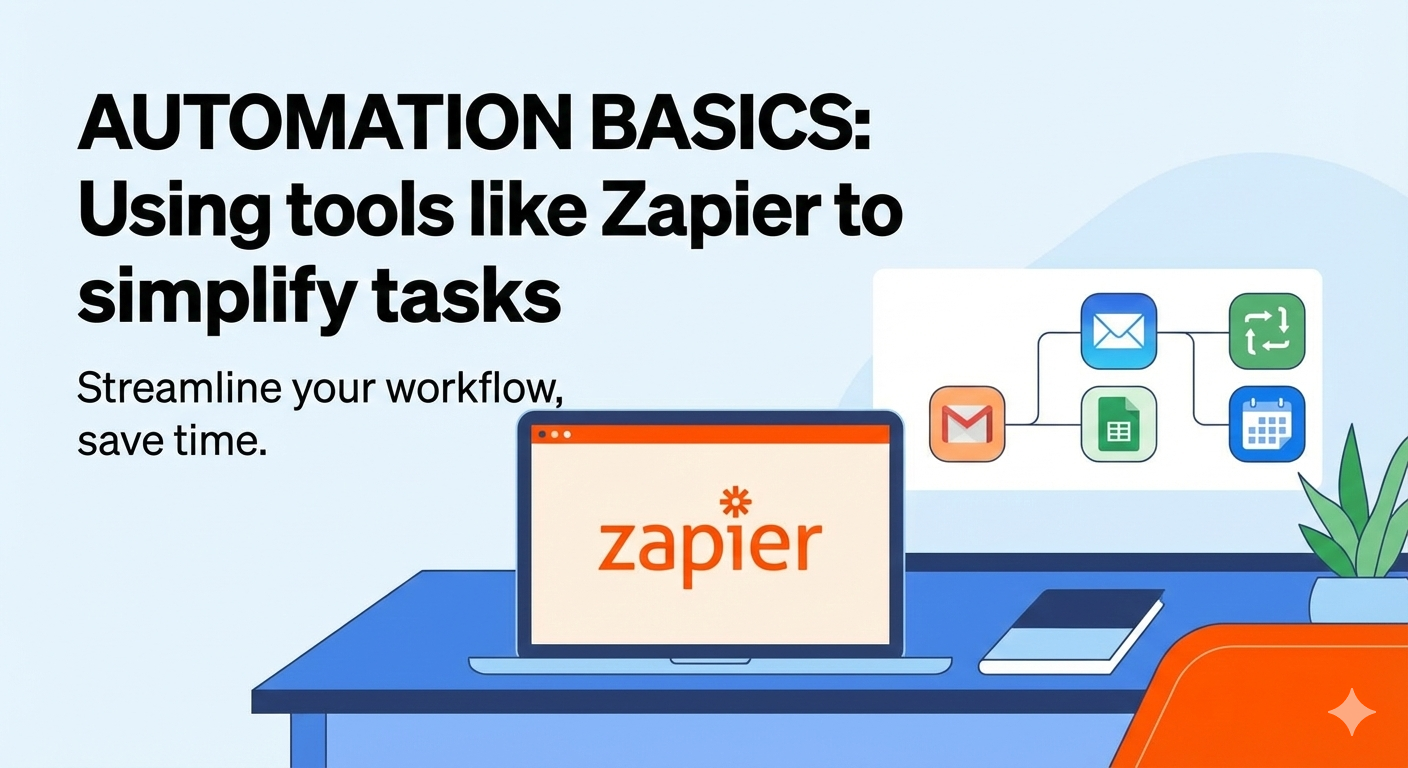
In today’s fast-paced digital world, time has become one of the most valuable resources. Students juggle assignments, projects, and deadlines, while professionals manage emails, meetings, reports, and repetitive administrative tasks. Often, valuable hours are lost doing the same routine work again and again. This is where automation comes in.
At cvDragon, we help students and job seekers become smarter, more efficient, and future-ready. One skill that is gaining rapid importance across industries is the ability to automate simple tasks using digital tools. You don’t need to be a programmer or a tech expert—tools like Zapier make automation accessible to everyone.
This article introduces automation basics, explains how tools like Zapier work, and shows how task automation can simplify work, boost productivity, and improve career readiness.
What Is Automation?
Automation is the process of using technology to perform tasks automatically with minimal human intervention. Instead of manually repeating the same actions, automation tools follow predefined rules to complete tasks for you.
Examples of everyday automation include:
-
Automatically saving email attachments to cloud storage
-
Sending notifications when a form is filled
-
Updating spreadsheets when data changes
-
Scheduling social media posts
Automation helps people focus on high-value work instead of repetitive activities.
Why Automation Matters Today
Automation is no longer limited to large corporations or IT departments. It is now a practical skill for students, freelancers, and professionals.
Benefits of Automation
-
Saves time and energy
-
Reduces human errors
-
Improves consistency
-
Increases productivity
-
Enhances digital efficiency
Employers increasingly value candidates who can work smarter—not just harder.
What Is Zapier?
Zapier is a no-code automation tool that connects different apps and automates workflows between them. It allows users to create automated processes called Zaps without writing a single line of code.
Zapier works with thousands of popular apps, including:
-
Email platforms
-
Cloud storage tools
-
Spreadsheets
-
Project management apps
-
CRM systems
-
Form builders
At its core, Zapier acts as a bridge between tools you already use.
How Zapier Works (In Simple Terms)
Zapier automation follows a simple structure:
Trigger
An event that starts the automation
Example: “When a new email arrives”
Action
What happens after the trigger
Example: “Save the attachment to Google Drive”
Together, a trigger and action create a Zap.
Once set up, the Zap runs automatically in the background.
Why Beginners Love Zapier
Zapier is beginner-friendly because:
-
No coding knowledge is required
-
Interface is simple and intuitive
-
Prebuilt templates are available
-
Setup takes only minutes
This makes it ideal for students and professionals who want quick productivity wins.
Common Tasks You Can Automate Using Zapier
1. Email Management
-
Save email attachments automatically
-
Send alerts for important emails
-
Create tasks from emails
2. Data Entry and Organization
-
Add form responses to spreadsheets
-
Update databases automatically
-
Sync data across platforms
This reduces manual data handling and errors.
3. Task and Project Management
-
Create tasks when deadlines are added
-
Notify team members automatically
-
Track project updates
Automation keeps teams aligned without constant follow-ups.
4. Scheduling and Notifications
-
Send reminders before meetings
-
Notify users of updates
-
Trigger alerts based on events
This improves time management and accountability.
5. Student Productivity Automation
Students can automate:
-
Assignment tracking
-
Research organization
-
Study reminders
-
Portfolio updates
These small automations create better learning habits.
Automation for Students: Why It’s a Smart Skill
Students who learn automation early gain a strong advantage.
Benefits for Students
-
Better time management
-
Reduced stress
-
Improved organization
-
Enhanced digital confidence
Automation also strengthens problem-solving and logical thinking—skills employers value highly.
At cvDragon, we encourage students to include automation experience as part of their digital skillset.
Automation in the Workplace
In professional environments, automation is used to:
-
Streamline workflows
-
Reduce repetitive tasks
-
Improve collaboration
-
Increase efficiency
Professionals who understand automation are often seen as proactive and innovative.
Automation Does Not Replace Humans—It Empowers Them
A common fear is that automation replaces jobs. In reality, automation:
-
Removes repetitive work
-
Frees time for creative and strategic thinking
-
Improves job satisfaction
Automation supports humans—it doesn’t replace human judgment, creativity, or empathy.
Basic Principles of Smart Automation
1. Start Small
Begin with simple, repetitive tasks.
2. Automate What Is Predictable
Tasks with clear rules work best for automation.
3. Review and Improve
Automation should be tested and refined over time.
4. Don’t Over-Automate
Not everything needs automation. Human judgment still matters.
Skills You Develop Through Automation
Learning automation builds:
-
Logical thinking
-
Process optimization
-
Digital literacy
-
Efficiency mindset
-
Problem-solving skills
These are transferable skills valuable across careers.
Common Automation Mistakes Beginners Make
1. Automating Too Much Too Soon
Start simple and scale gradually.
2. Ignoring Errors
Always test automations before relying on them.
3. Not Documenting Workflows
Clear documentation helps maintain and improve systems.
How Automation Strengthens Career Profiles
Automation experience shows employers that you:
-
Think efficiently
-
Understand digital workflows
-
Can improve processes
-
Adapt to modern tools
At cvDragon, we help candidates present automation skills effectively on resumes and professional profiles.
How cvDragon Encourages Smart Digital Skills
At cvDragon, we believe modern careers require more than academic knowledge. We help students and professionals:
-
Build productivity and automation skills
-
Understand workplace technology expectations
-
Communicate digital capabilities clearly
-
Prepare for future-ready roles
Automation literacy is part of becoming a confident digital professional.
Conclusion
Automation is no longer a technical luxury—it is a practical life and career skill. Tools like Zapier make it easy for anyone to automate routine tasks, save time, and work more efficiently. Whether you are a student managing assignments or a professional handling daily workflows, automation helps you focus on what truly matters.
At cvDragon, we believe the future belongs to those who combine smart tools with smart thinking. By learning automation basics today, you don’t just simplify tasks—you prepare yourself for a more productive, confident, and future-ready career.
Leave a Reply